 Learning how to cross out text in google docs is useful when you want to show edits, mark completed items, or keep old wording visible without deleting it. This formatting style is called strikethrough. It draws a line through selected words while leaving the text...
 Learning how to spoiler text on discord is useful when you want to hide surprises, sensitive details, game endings, movie twists, or anything people may not want to see right away. Discord makes spoilers simple by covering selected text with a dark overlay. Other...
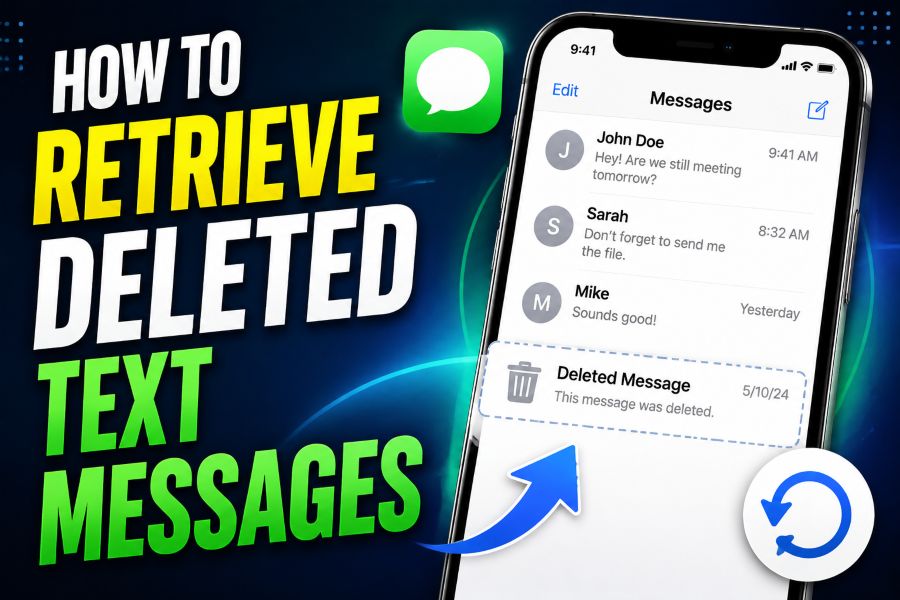 Learning how to retrieve deleted text messages can save important conversations, receipts, addresses, photos, and details you did not mean to lose. The right recovery method depends on your phone, backup settings, messaging app, and how long ago the messages were...
 Learning how to do in text citations is essential for writing essays, research papers, reports, and any content that uses outside sources. These short references show readers exactly where your information came from without interrupting the flow of your writing. An...
 Learning how to schedule a text on iphone is useful when you want a message to arrive at the right moment without relying on memory. Apple now includes a built-in Send Later feature in Messages for iMessage conversations, making it easier to plan reminders, birthday...
